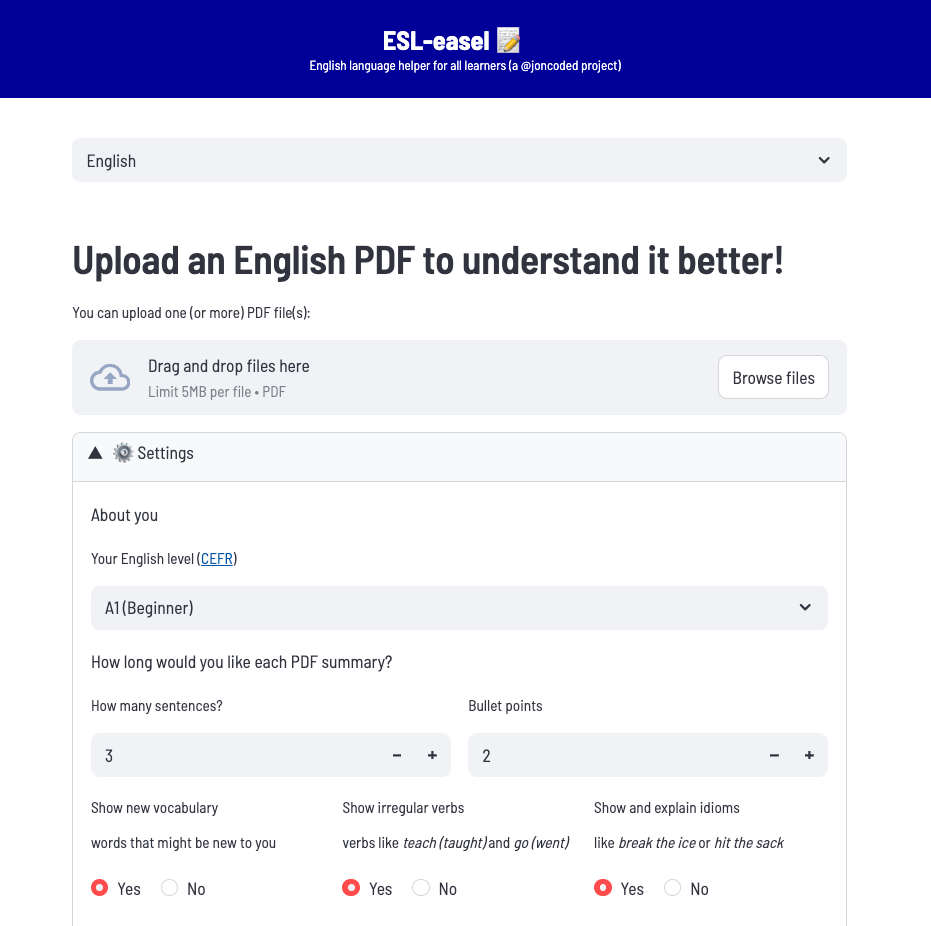
an LLM-powered English PDF document analyzer that:
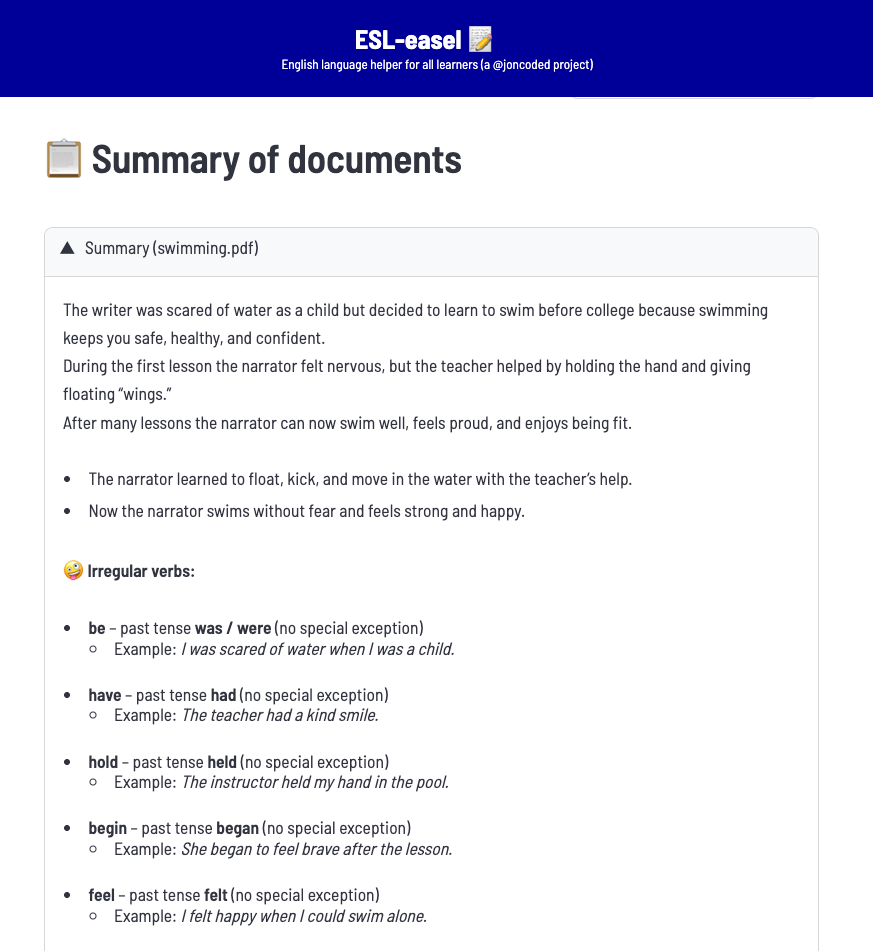
- summarizes the text
- based on user's English language level
- customize length of summary
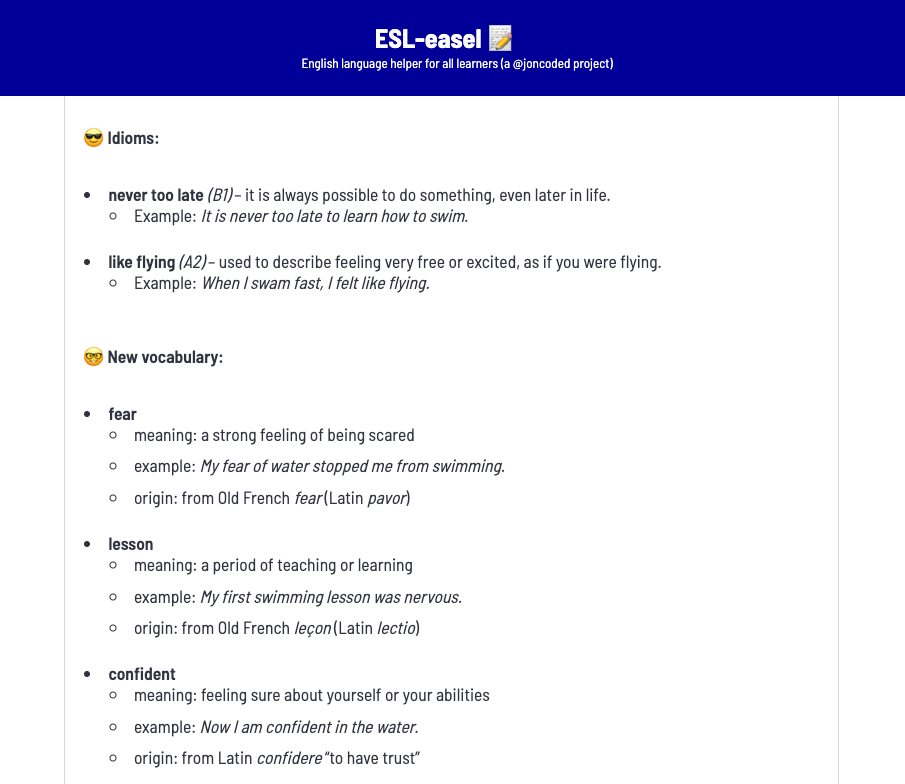
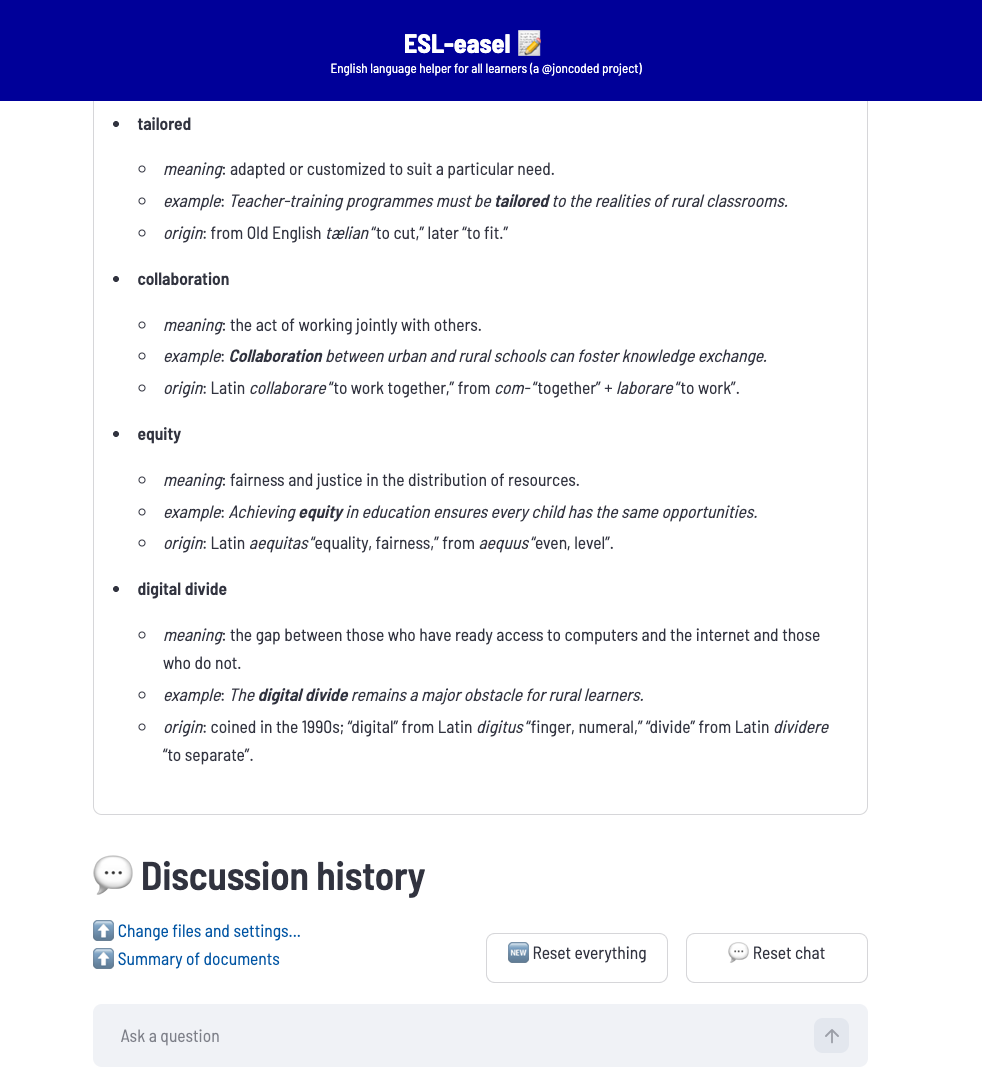
- (optionally) shows new or "difficult" vocabulary
- (optionally) shows irregular verbs
- (optionally) shows and explain idioms like "break the ice" or "hit the sack"
- allows user to chat (ask questions on or perform operations about) the document
- allows for localization of user interface
Run the demo on esleasel.streamlit.app
(If the app has "fallen asleep" then please press the "Yes, get this app back up!" button to "wake" it up!)

Run the following commands on your command line:
% git clone https://github.com/joncoded/esleasel.git esleasel && cd esleasel
% pip install -r requirements.txt
Configure your .env file on the root folder (this must be done or the code will tell you to):
LLM_API_KEY=your_groq_api_key
PINECONE_API_KEY=your_pinecone_api_key
PINECONE_HOST=your_pinecone_host_url
PINECONE_INDEX=your_pinecone_index_name
If you don't have these you can get them for free at:
- groq
LLM_API_KEY: create api key > copy and paste an API key- you can later use the same API key for any large language model
- pinecone
PINECONE_API_KEY: on the sidebar- click "API keys"
- click on the "+ API key" button
- (modal will pop up) enter an API key name
- click on the "Create key" button
- copy and paste the API key
PINECONE_HOST: on the sidebar- click "Database"
- click on the "Create index" button
- leave everything default except for Dimensions: 768 (not 1024)
- click on the "Create index" button
- click the "Database" link on the sidebar again
- copy and paste the host (looks like a URL)
PINECONE_INDEX:- if you got the host URL you will see the pinecone index name above it
Finally, back in the command line, run the app on your localhost with:
streamlit run app.py
The app will usually run with the url http://localhost:8501
(if port 8501 is already used, it will host the app on :8502 or so on...)
Make changes by following this procedure:
- clone the repository as mentioned above
- create a feature branch
git checkout -b feature/branch
- make and commit your changes
git commit -m "what you changed"
- push your changes
git push origin feature/branch
- open pull request
Also, feel free to raise any issues!
Translate the app into your language!
- edit the
local.pydictionary file by adding a new language (seeen(English) andfr(French) as examples - go to
app.pyand check/change thelang_optionsvariable - optionally, make a pull request as if making a Feature contribution as listed above
- Groq for LLMs
- Pinecone for vector databases
- Langchain for its AI agent platform
- Streamlit for its super-easy deployment
- Google Gemini for recommending which LLM to use for analyzing English language PDFs
- Dr. Satyajit Pattnaik for technical guidance